 Pocketworks
Notes
Why I Simplified My Productivity Apps from Ten to Three
How reducing my app usage helped me focus and get more done.
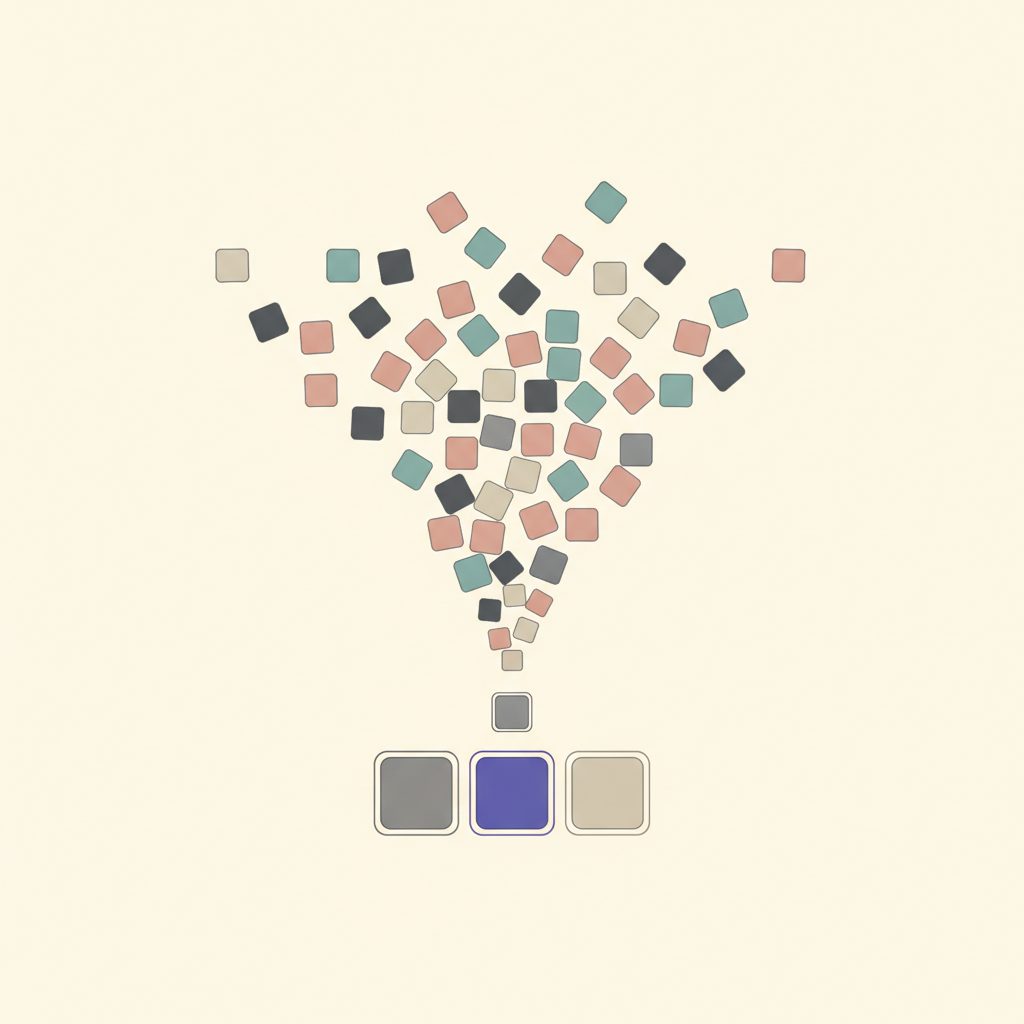
In the quest to be more productive, I found myself drowning in a sea of apps promising to revolutionize my workflow. Over time, I had accumulated a staggering collection of ten different productivity apps. From task managers to habit trackers, each app had its unique feature set that seemed indispensable at first glance. Yet, instead of aiding my productivity, managing these apps became a task in itself.
The Overwhelm of Too Many Tools
At first, it felt empowering to have specialized apps for every aspect of my workflow. I had a digital notebook for capturing ideas, a separate to-do list app for tasks, a calendar app, a habit tracker, and a few others. Each was a piece of the productivity puzzle, or so I thought. But juggling between these apps was akin to shifting gears in a car with a broken clutch.
Instead of streamlining my day, these tools demanded more attention. Notifications were incessant, reminders were redundant, and I often spent more time updating apps than actually completing tasks. It was a classic case of diminishing returns.
Realization and the Need for Reduction
One day, as I once again got caught in the web of app-switching, it hit me—this was not sustainable. I needed to cut the clutter and focus on what truly mattered. It was time for a radical simplification.
I started by listing out all the apps I was using and the primary function they served. Upon reflection, I realized that many of these apps overlapped in functionality. I didn't need multiple apps tracking my tasks or habits when one or two could handle it efficiently.
Choosing the Core Apps
The first step was identifying my priorities. I needed an app for task management, one for note-taking, and another for scheduling. With these criteria in mind, I began evaluating each app critically.
For task management, I chose an app that offered a blend of simplicity and power without overwhelming me with features. It was crucial to have a single place where I could list tasks, set priorities, and track deadlines. Having a solid project management tool helped me consolidate tasks from various projects into one coherent system, making my workflow seamless and efficient.
Reaping the Benefits of Simplicity
The transition from ten apps to three wasn't immediate, but once I'd settled on my chosen trio, the benefits were clear. My focus improved as I wasn't constantly switching contexts. With fewer notifications and less digital clutter, my stress levels decreased.
Having a streamlined system also allowed me to customize and optimize each app to better suit my needs. I spent more time refining my workflow rather than getting lost in the endless scroll of settings and features.
“The more apps I used, the more complicated my life became. It was a revelation when I realized that productivity isn't about having more tools but about using the right ones effectively.”
Tips for Simplifying Your Productivity Tools
- Identify Overlaps: List all your current apps and their functions. Look for overlaps in features and decide which app best serves that purpose.
- Prioritize Key Functions: Focus on the core functionalities you need daily. This will help you decide which apps are truly essential.
- Regularly Review: Periodically evaluate your app usage. Needs change, and so should the tools you use.
- Resist Shiny Object Syndrome: New apps are tempting, but remember that more isn't necessarily better. Stick with what works.
In conclusion, the journey from ten apps to three has been liberating. By simplifying my digital toolkit, I've reclaimed time, reduced stress, and improved my overall productivity. Fewer tools mean fewer distractions, allowing me to dive deeper into the work that matters. If you're feeling overwhelmed by your digital toolbox, consider taking a step back and simplifying. You might find, as I did, that less truly is more.